
Click to download now, finish the installation quickly, and directly unlock the all-round experience
Screenshots






Click to download now, finish the installation quickly, and directly unlock the all-round experience
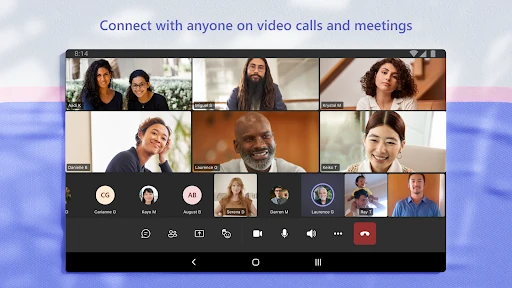
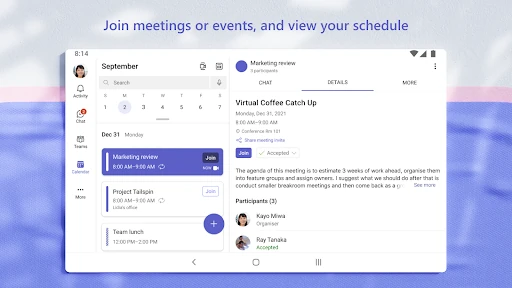
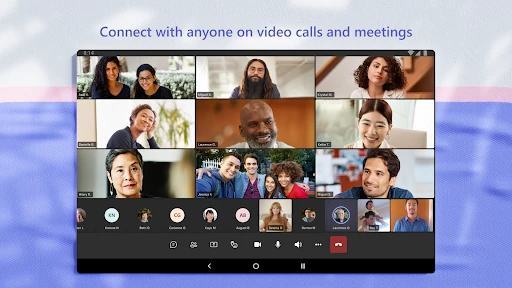
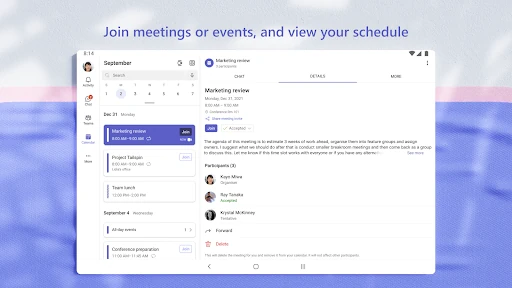
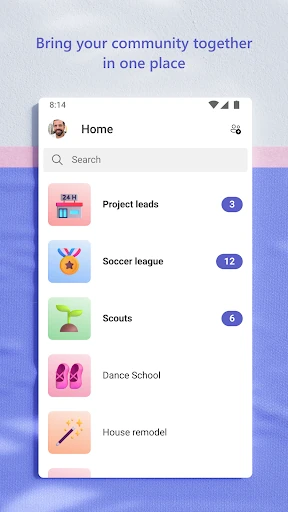
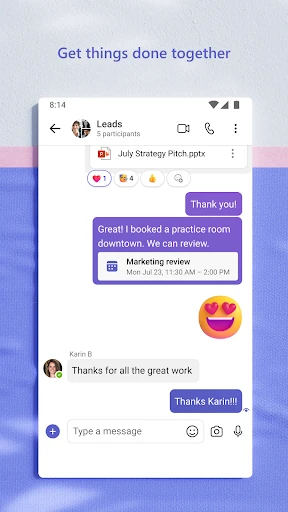
Microsoft Teams is a business communication app for people who need more than a basic messaging tool. It brings one-to-one chats, group conversations, video meetings, shared files, and organized team spaces into the same app. It suits workplaces and other organizations that need a central place for regular communication and collaboration.
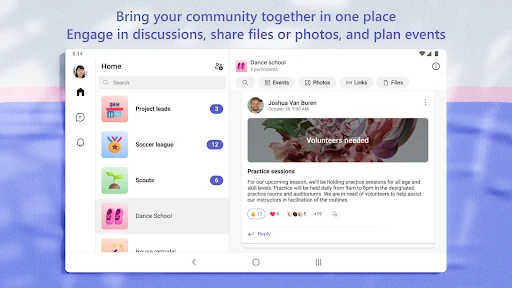
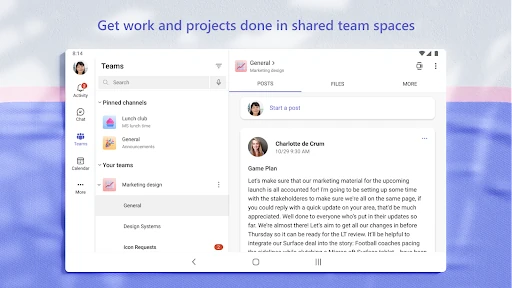
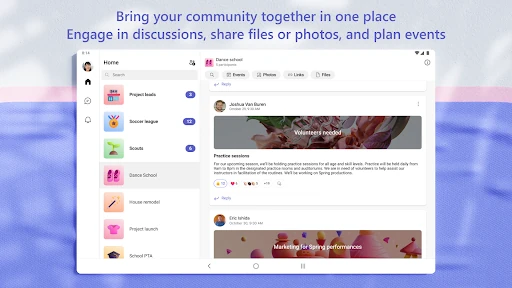
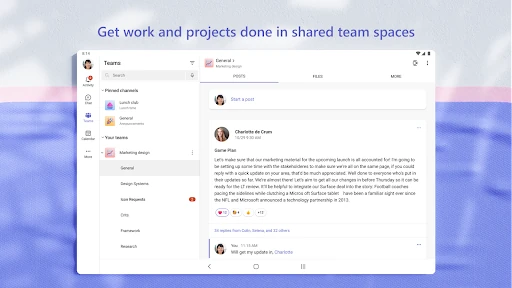
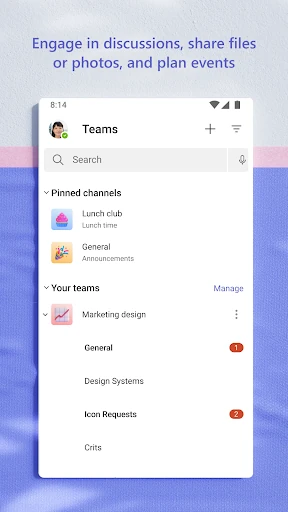
Teams can separate discussions into channels or dedicated spaces, so project updates do not get buried in one long chat. Members can share documents, return to earlier conversations, and keep work related to a topic in one location. Search helps locate messages and shared content when a conversation has moved on.
The app is most useful when an organization already relies on Microsoft services. Its value comes from connecting communication with documents and other shared work rather than treating chat as a separate activity. That depth can take longer to learn than a simple messenger, especially when an account belongs to several teams or channels.
Microsoft Teams has more than 500 million installs and a 4.65 rating from over 8.4 million reviews. It is developed by Microsoft Corporation. For users who need a dependable work hub for conversations, meetings, and shared files, the large feature set is aimed at regular use rather than occasional messaging.